LPRLicense Plates RecognitionThe plain-English LPR guide

Home / Free video surveillance software for Windows

Free · Surveillance

Free video surveillance software for Windows.

Watch, record and get alerts from your IP cameras on a PC you already own — with plate recognition built in, free on one camera.

Free LPR software · one camera free for life · plate recognition included · about 100 MB

Works withWindows 10 & 11ONVIF camerasHikvisionDahuaReolinkAxisNvidia GPU
Free · Surveillance

A full camera system on the PC you already own.

You do not need a recorder box or a monthly cloud plan to protect a home or a small business. Free video surveillance software turns a Windows PC into the recorder.

VISEC does it with plate recognition built in — and its free license covers one camera for life.

  • Live view of every camera, across up to 8 monitors.
  • Motion recording in the zones you draw, so you are not storing hours of nothing.
  • Email alerts with a snapshot the moment something moves.
  • License plate recognition, QR code reading and access control — included.
  • Remote viewing from a web browser.
  • Secret mode: one hotkey hides the program completely while it keeps recording; the same hotkey brings it back.

Download free for WindowsVisit visec.com

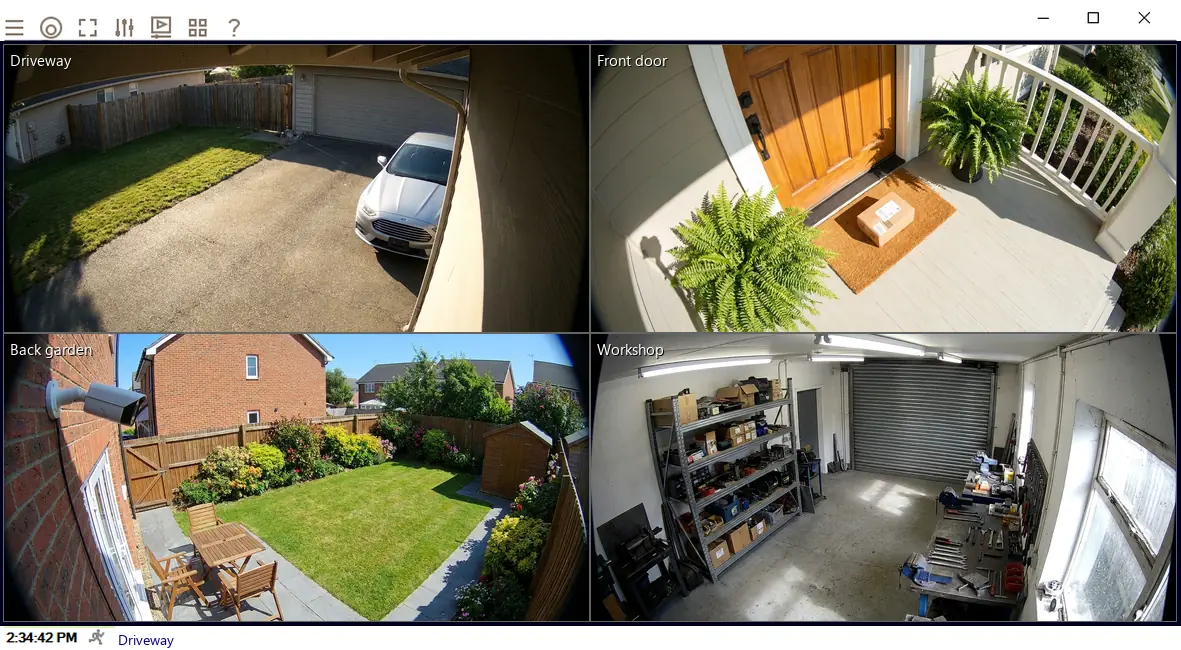
Surveillance software on Windows showing four cameras at once
Four cameras on one screen in VISEC (example views).
Free · Checklist

What to look for in free surveillance software.

No time limit

A 30-day trial is not free software. Look for a free tier that never expires.
Works with your cameras

ONVIF support means it works with most IP cameras, whatever the brand.

Local recording

Footage on your own drive: private, and nothing to pay each month.

Smart alerts

Motion zones and email snapshots, so you know without watching.

Room to grow

Add cameras later without switching software — ideally for a one-time price.

More than video

Plate recognition and gate control turn cameras from recorders into tools.
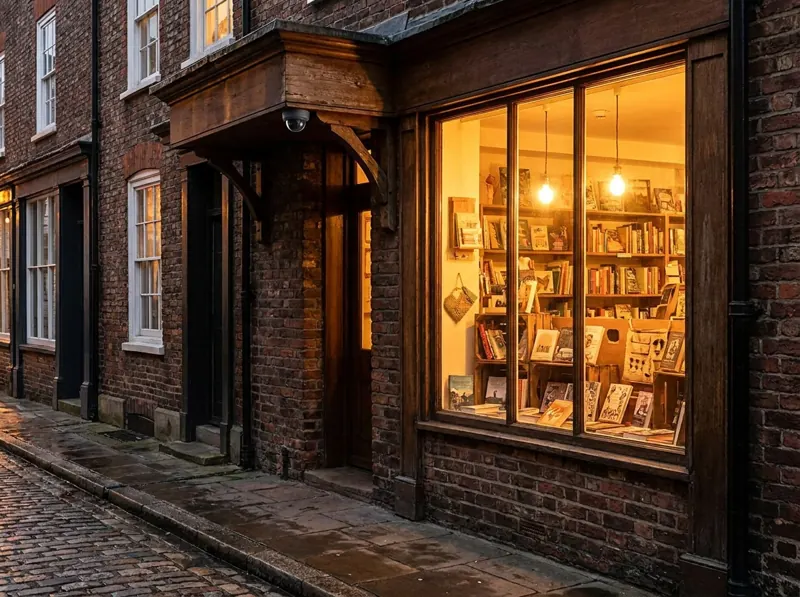
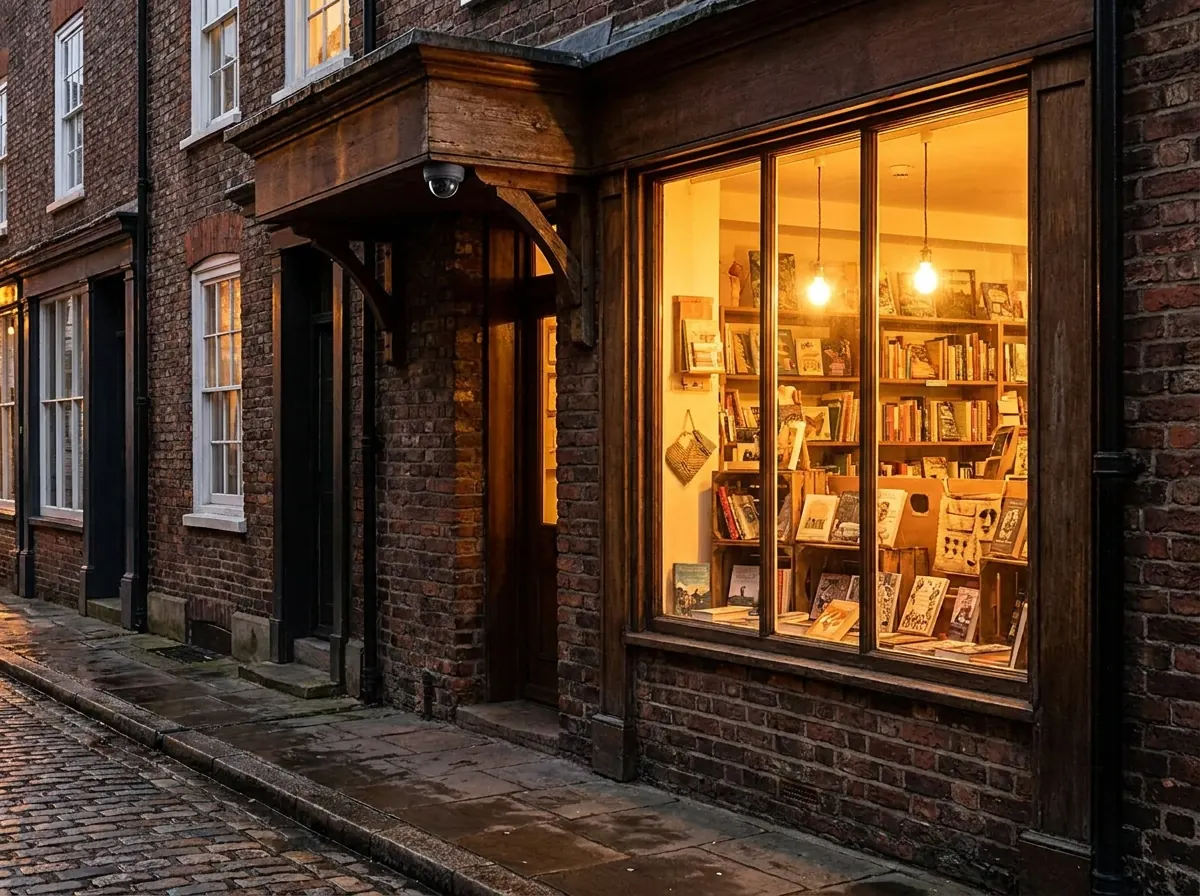
Small shop at evening with a dome camera above the door
Free · What your PC needs

Requirements.

  • Windows 10 or 11, 64-bit, with 8 GB of memory.
  • About 100 MB to download, 200 MB installed.
  • Storage for recordings: for 4–5 cameras, a 500 GB drive typically holds 3–4 months.
  • For AI features including plate recognition, a graphics card with 4 GB — preferably Nvidia. Without one, the processor is used.
Free · Questions

Free surveillance software: quick answers.

What is the best free video surveillance software for Windows?

It depends on your cameras and needs. If you want motion alerts and plate recognition with no time limit, VISEC is free for life on one camera. For more cameras, paid licenses are a one-time purchase.

Can I use free surveillance software with Hikvision or Reolink cameras?

Yes. Most IP cameras support ONVIF, and VISEC works with 99% of ONVIF cameras including Hikvision, Dahua, Reolink, Amcrest and Axis.

Do I need an NVR?

No. The PC does the NVR's job: it records the cameras to its own drive.

Is my video uploaded to the cloud?

Not with VISEC. Recordings are stored on your own PC.

Download free LPR software