Home / How to set up a camera for plate recognition
LPR · SetupHow to set up a camera for plate recognition.
Most failed reads are a camera problem, not a software problem. Get these six things right and almost any IP camera reads plates.
Free LPR software · one camera free for life · plate recognition included · about 30 MB
Get these right and most cameras read plates.
Plate size in the picture
Zoom until the plate is about 130–150 pixels wide. Too small and characters merge; this matters more than megapixels.
Horizontal angle
Keep the camera within about 30° of straight-on to the plate. Steeper angles squash the characters.
Vertical angle
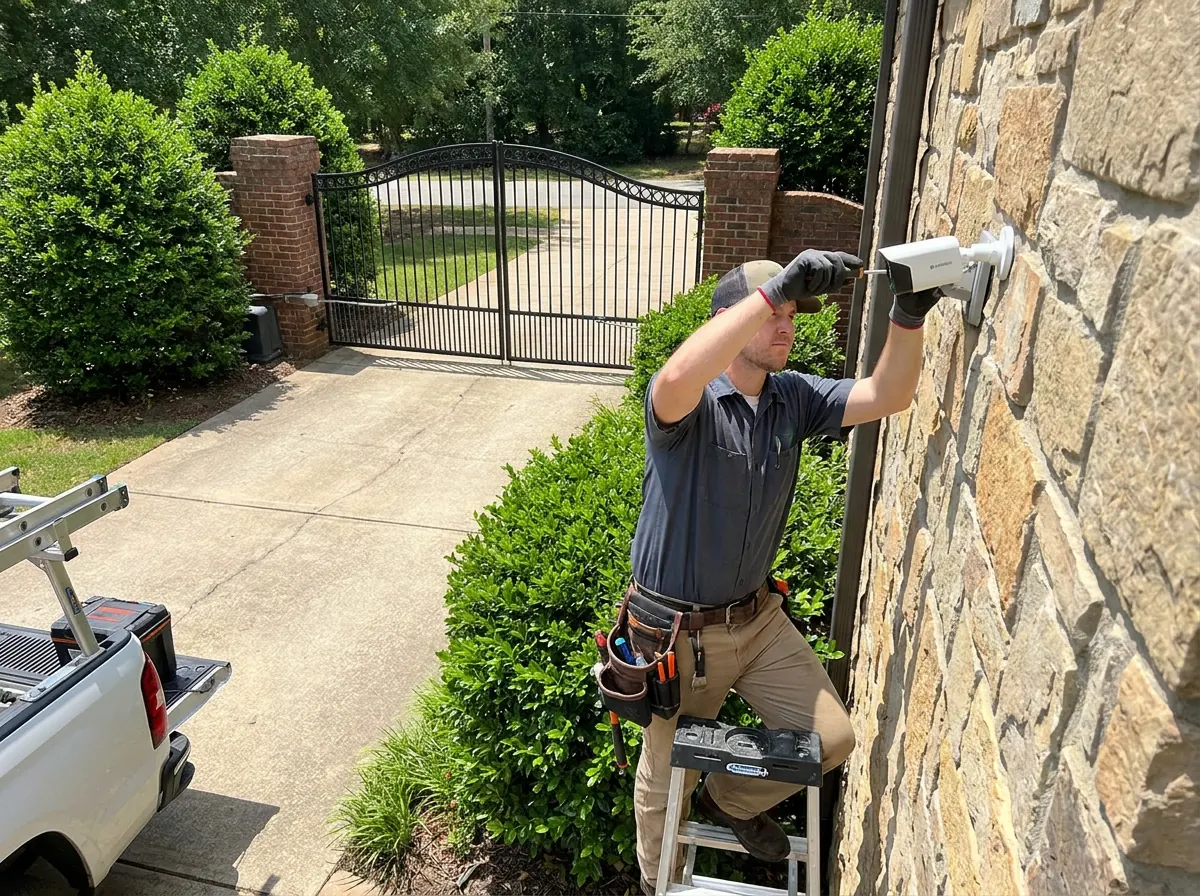
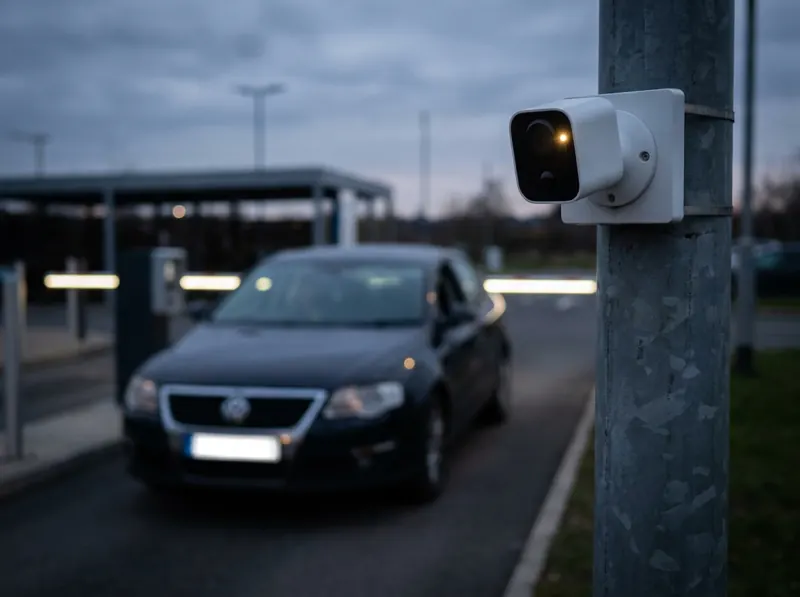
Mount low — around 1–2 m (3–7 ft) — and tilt down no more than about 30°. High poles looking steeply down lose reads.
Distance
Pick one spot where every car must pass — a gate, a barrier, a narrowing — and focus the camera there.
Shutter speed
Fix it at 1/500 s for gates and 1/1000 s or faster for moving traffic. Automatic exposure lets it drift slow and blurry.
Night lighting
Use infrared, and read the rear plate where possible so headlights do not blind the camera.
Choose the choke point.
The best LPR camera watches the one place every vehicle has to slow down and pass: the gate, the barrier, the end of the drive. Cars there are slow, straight-on and close — the three things that make reads easy.
A wide overview camera covering the whole yard is great for surveillance and poor for plates. Use a separate, zoomed-in camera for LPR.
Camera settings cheat sheet.
| Setting | Gate / car park | Street / road |
|---|---|---|
| Shutter | 1/500 s | 1/1000 – 1/2000 s |
| Plate width in image | 130–150 px | 130–150 px |
| Horizontal angle | under 30° | under 30° |
| Mounting height | 1–2 m (3–7 ft) | as low as practical |
| Night | built-in IR usually enough | external IR illuminator |
| Wide dynamic range | on for bright backgrounds | off at night if it adds blur |
| Video format | standard H.264 / H.265 | standard H.264 / H.265 |
Smart codecs such as H.264+ are not part of the ONVIF standard and can stop software reading the stream. Turn them off for an LPR camera.
Setup: quick answers.
How high should a license plate camera be mounted?
Around 1–2 m (3–7 ft), tilting down no more than about 30°. The lower and straighter the view, the better the reads.
Why does my camera read plates by day but not at night?
Usually headlight glare or a slow night shutter. Use infrared, fix the shutter speed, and point at rear plates where possible.
Can my existing Hikvision, Dahua or Reolink camera read plates?
Yes, with LPR software, if it is positioned and set up as above. VISEC works with 99% of ONVIF cameras and has setup guides for each brand.