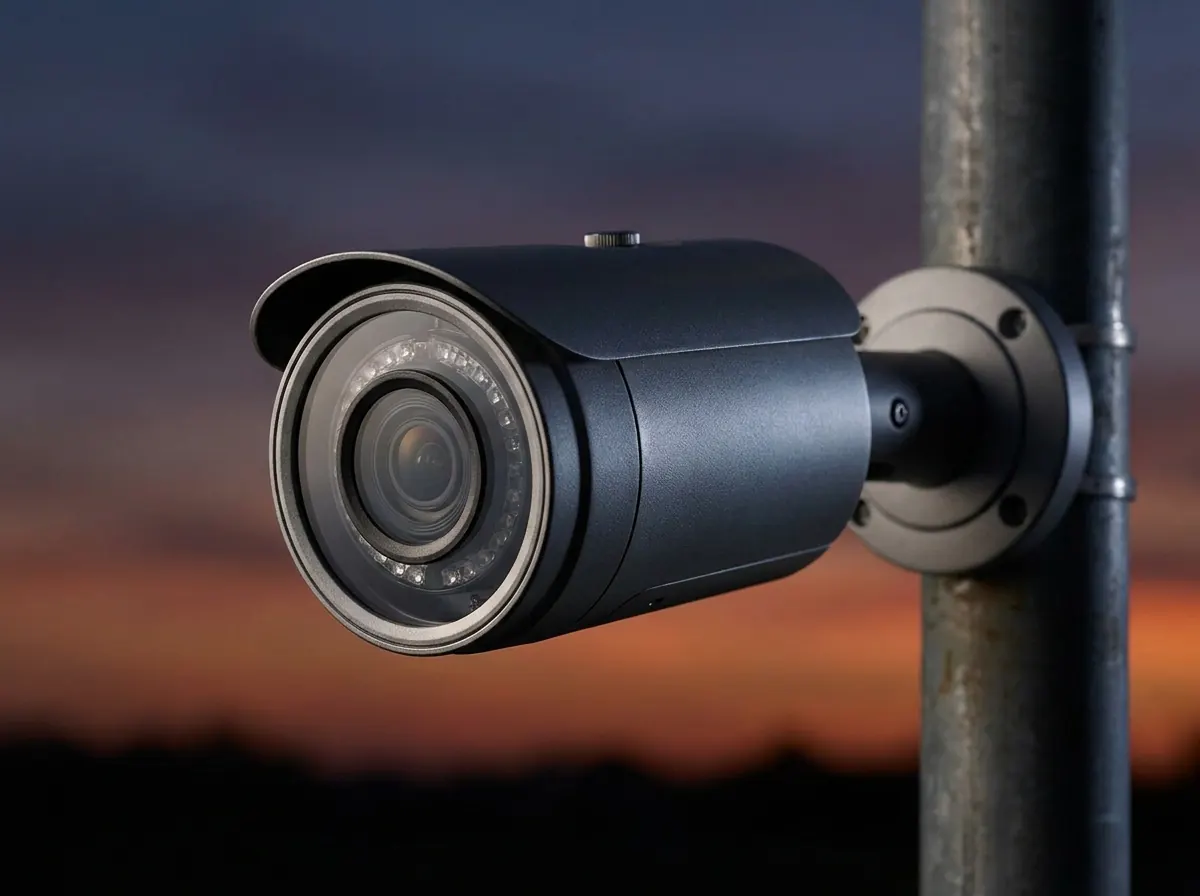
Home / Hikvision camera settings for plate recognition
LPR · HikvisionHikvision camera settings for plate recognition.
The settings that turn a Hikvision camera into a reliable plate reader, and where to find them in its web page.
Free LPR software · one camera free for life · plate recognition included · about 30 MB
The six settings that matter.
Menu names move between firmware versions; on most current Hikvision cameras these live under Configuration › Image › Display Settings.
| Setting | Where (typical) | For plate reading |
|---|---|---|
| Shutter speed | Display Settings › Exposure Settings | Fix it: 1/500 s for gates, 1/1000 s or faster for moving traffic. Do not leave it on auto. |
| Exposure mode | Display Settings › Exposure Settings | Manual or shutter priority, so the shutter stays where you set it. |
| Day/Night switch | Display Settings › Day/Night Switch | Auto, with IR on at night; plates reflect infrared. |
| WDR / BLC | Display Settings › Backlight | On for daylight backlight; test at night, as WDR can add blur. |
| Video encoding | Configuration › Video/Audio › Video | Standard H.264 or H.265. Turn off H.264+/H.265+. |
| ONVIF | Network › Advanced Settings › Integration Protocol | Enable ONVIF and add an ONVIF user, so LPR software can connect. |
Then aim it at one lane.
- Zoom a varifocal model until the plate is about 130–150 pixels wide.
- Mount at 1–2 m, within ~30° of the car's path.
- Point at rear plates where you can, to avoid headlight glare.
Full placement rules: LPR camera setup. Connecting the camera to software step by step: Hikvision ONVIF setup.
Quick answers.
Can a normal Hikvision camera read number plates?
Yes, with LPR software, when it is zoomed onto the lane and set to a fast fixed shutter. Dedicated Hikvision ANPR cameras exist, but a standard bullet camera works for gates and driveways.
What shutter speed should I use on Hikvision for LPR?
1/500 s for slow gates and car parks, 1/1000 s or faster for moving traffic.
Is there free LPR software for Hikvision cameras?
Yes. VISEC connects to Hikvision cameras over ONVIF and includes plate recognition in its free one camera license.